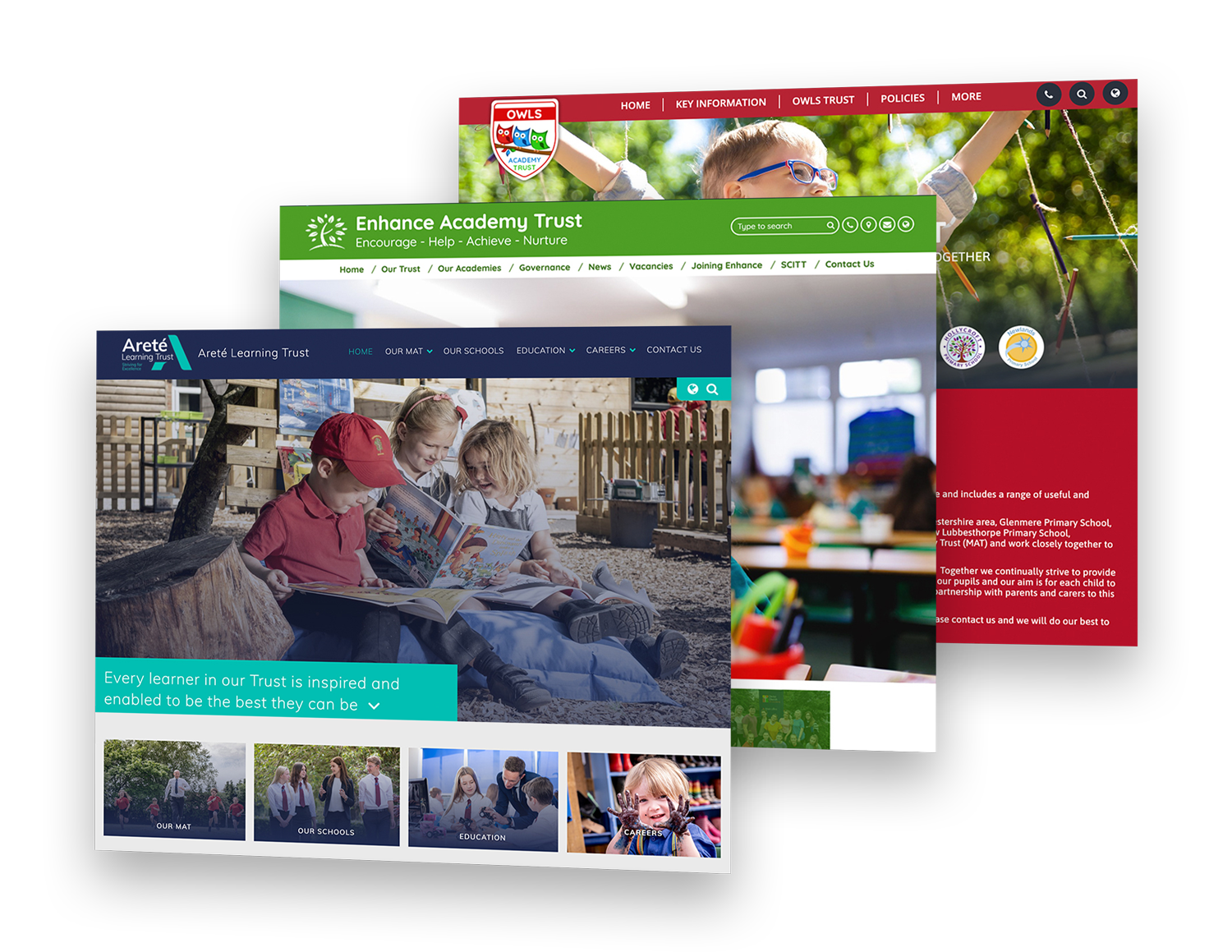
Joining a multi-school trust offers a whole host of benefits. It also means that certain things about your school will need to change. This includes your website. When your school joins a multi-academy trust, you’ll need to think more than just changing the school’s logo. You need to review overall branding, school governance, policies, contact details, and a whole host of other information.
Here, we want to provide a brief checklist for what you need to focus on when bringing your website in line with the multi-academy trust requirements.
Do you need a new website when joining a multi-academy trust?
In some cases, you won’t need an entirely new website. Many websites can be updated to meet the requirements of the trust. You will need to review what your new trust requires when it comes to website design, branding, and the platform your site is produced on. However, it is often recommended that you take this opportunity to get a new website, particularly if your website hasn’t been updated in a while. his will help ensure that your school’s website feels modern and complies with current website requirements.
If you have a current website, we do suggest that you at least investigate who owns the domain, where the site is hosted, and who has access to updating it. It is imperative that you have as much control over your MATs website as possible.
Update trust information, branding and contact details
Because your school is now part of a multi-academy trust, changes need to be made to highlight this. This includes:
At the same time, it is important that you go through all of the information on your website and update anything that might be out-of-date. Remember, you need to make it clear that you are part of a multi-level trust. Remove any information that implies otherwise. If required, make a section on your website that highlights to parents why the change is happening.
Review governance information and responsibilities
Joining a multi-level trust means that there will also be new governance coming on board. It is essential that your website highlights this. Discuss the relationship between the trust board and the local governance of the school. State who has which area of responsibility.
You will need to add names, roles, and contact methods for any new board members. Again, highlight what parts of the school management they are responsible for.
To save duplicating information across websites, there should be a link to trust governance information on your website. This link should take the website visitor to the trust’s website.
Again, go through all the information on your website and make sure that you remove anything that may be out of date.
Check policies, admissions and statutory information
This is the part where it may be wise to recruit somebody who may have knowledge about building websites for schools that are part of a multi-level trust. This will ensure that the correct information is on the website. This includes:
It is important that the writer of this information goes through current DfE guidance on what needs to be included on school websites. The trust funding agreement should also be analysed to determine what needs to be included on the individual school website.
What belongs on the school website versus the trust website?
There is very little use in duplicating information between a school website and a trust website. This is because the school will need to constantly ensure that their information is up-to-date. This means working out what belongs to a school website and what should remain on the trust website:
Review privacy notices, forms and website access
This involves talking to your trust’s data protection team to help update any privacy policy information on your website.
At the same time, check which staff have the ability to edit the website, who is responsible for site hosting, etc.
Any updated pages and documents on your website need to be checked to ensure that they are easily accessible.
Protect search visibility if your website or domain changes
If your website or domain changes, you may find that you fall down the search engine results a little. It may be worth talking to an expert to help prevent this. They can use techniques such as: