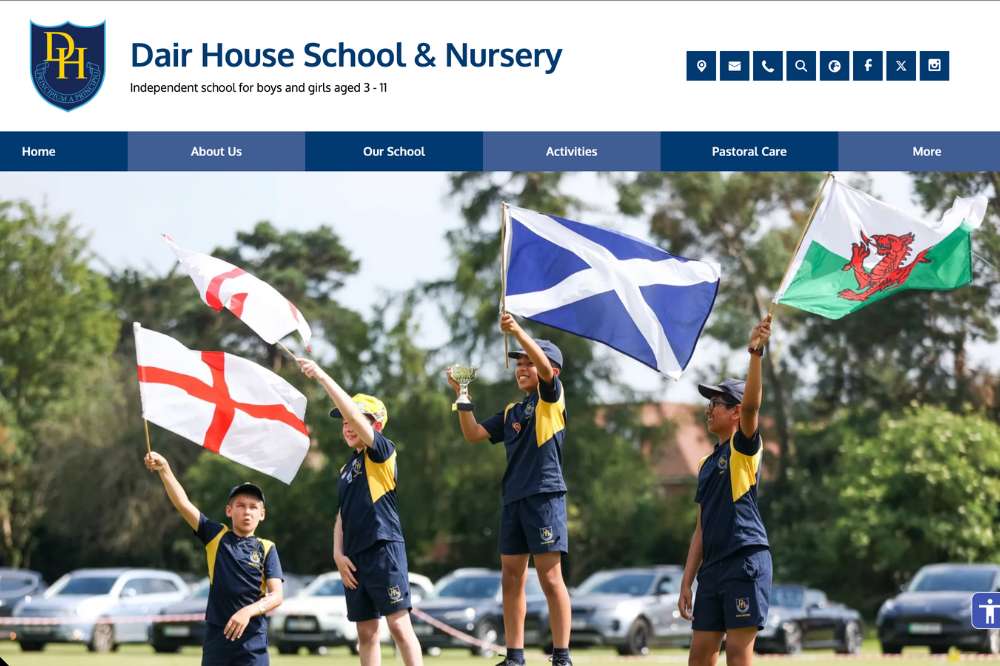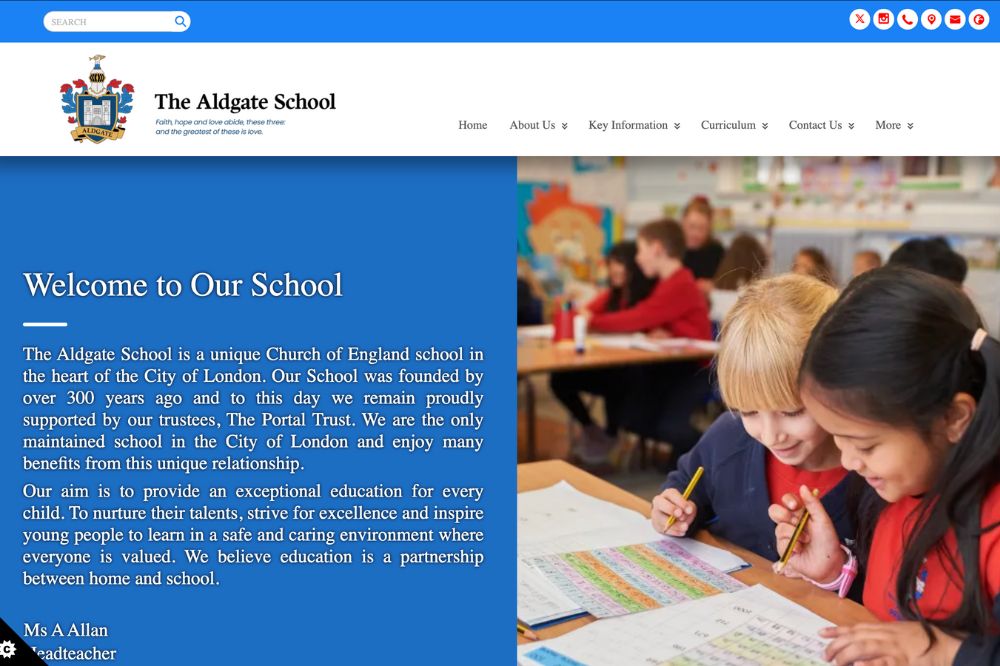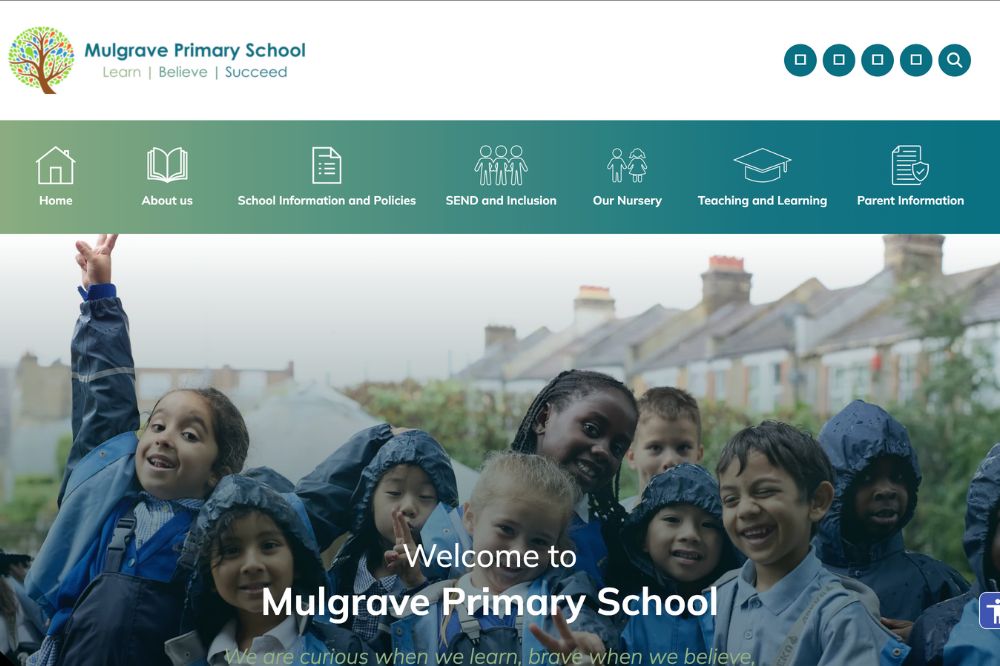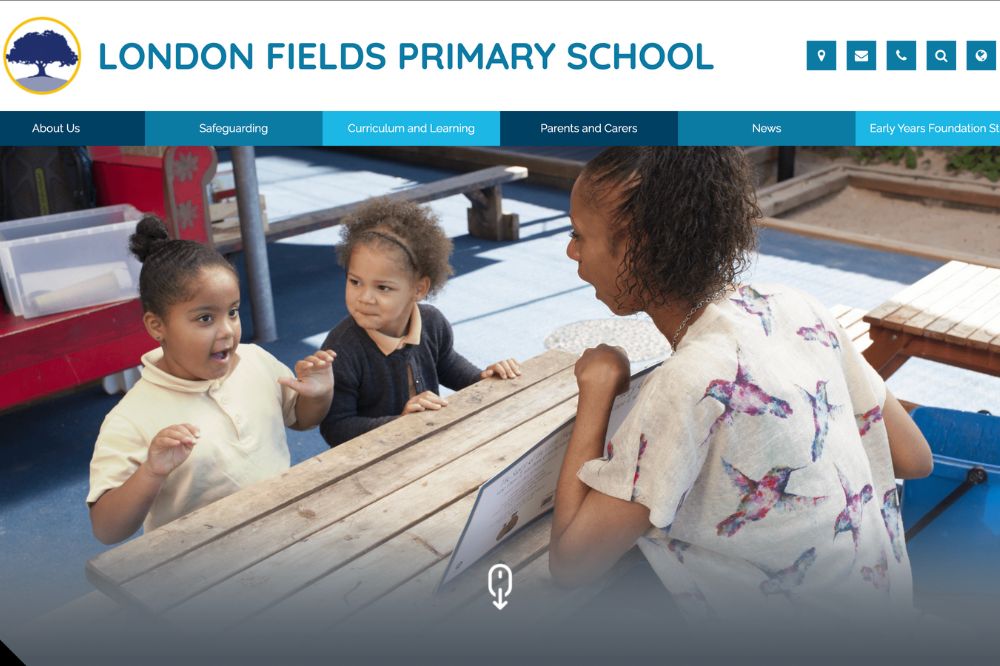
For independent schools, gaining new admissions have become increasingly challenging. Much of this is down to an increase in the number of viable options for those that have the funds to send their children to an independent school, as well as a tricky economy which is reducing the number of people that can afford this type of schooling. Thankfully, there are ways independent schools can increase their pupil admissions, even in this challenging market. We’ll look at a few options here.
Why Independent School Admissions are Becoming More Competitive
There are a few reasons why school admissions are becoming more competitive.
In many regions throughout the United Kingdom, there is a shrinking number of school-age children. While there are some parents who will gladly send their child to a quality independent school slightly further afield, the school does need to be very special for that.
There is also a lot of economic uncertainty around right now, and things are unlikely to get easier in the near future. This means that many parents are not willing, or may not have the funds, to send their child to an independent school.
Those who do have the funds will find that they have more options than ever before when it comes to school choices. Competition is great for parents, but never brilliant for the independent school.
Understanding What Today’s Parents are Looking For
In order to boost school admissions, schools should have an idea about what parents are looking for. They should then aim to deliver it.
Academic Outcomes Still Matter – But They’re Not Enough
Parents expect high exam scores. They expect their children to get into fantastic universities. They expect high quality teachers. The problem? Many independent schools can provide this and, unfortunately, exam results are no longer the ‘attraction’ that they once were.
Parents want to see what opportunities the school can offer their children. They want to see how the school will develop their child into a well-rounded human. They need to deliver experiences that can help set the child apart from the pack when it comes to university admissions, and future job prospects. Close links with the community, reputable establishments, etc. help with this.
Pastoral Care, Wellbeing, and Values
Parents want to ensure their child is being educated in a nurturing environment. They want to see school values, and an overall ethos that aligns with what the parent wants for their child.
Good independent schools will be able to demonstrate the various programs they have to boost the development of a child on both an emotional and social level.
Facilities & Enrichment Activities
Parents place a huge focus on facilities in the school. Top sports options? Great drama spaces? Up-to-date classrooms and science labs? Right away, parents will pay attention.
Extracurricular activities that can also benefit the child will be looked at closely. Quality music programs, sports, drama, and a multitude of clubs (e.g. army cadets) can work wonders at attracting new school admissions.
As we said before, parents don’t just want academic results. They want their child to grow as a person and develop a multitude of skills.
Strengthening Your School’s Value Proposition
This is about marketing. You could have the perfect independent school. Everything a parent could possibly dream of for their child, but if you do not convey this in the correct way, admissions will be slim.
Clearly Articulating Your Unique Selling Points
Schools need to establish what their unique selling points (USPs) are, and start to articulate them in the right way. It isn’t enough to just mention the unique parts of the school, but provide evidence of those USPs. This means, for example, sharing testimonials, or maybe results.
Think about what parents want for their children, and ensure that the mention of any USP ties into this. Don’t just say ‘good exam results’, say why the good exam results can benefit students.
Aligning Messaging Across Prospectus, Website, and Open Days
It is important that once you decide on the messaging your school has, everything should be consistent. You should always be reinforcing the same messages throughout any material your school produces, whether it is on your website, prospectus, or talks at open days. You always need to be drilling into parents what your school’s USP is, and tell them why it is beneficial.
How Your School Website Impacts Admissions
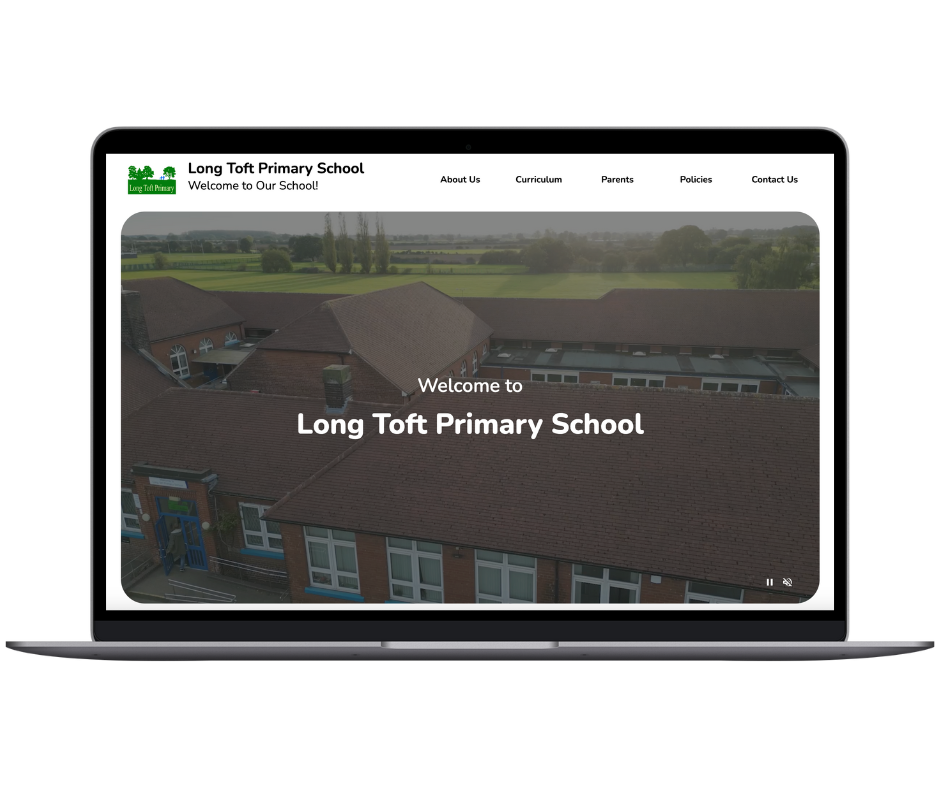
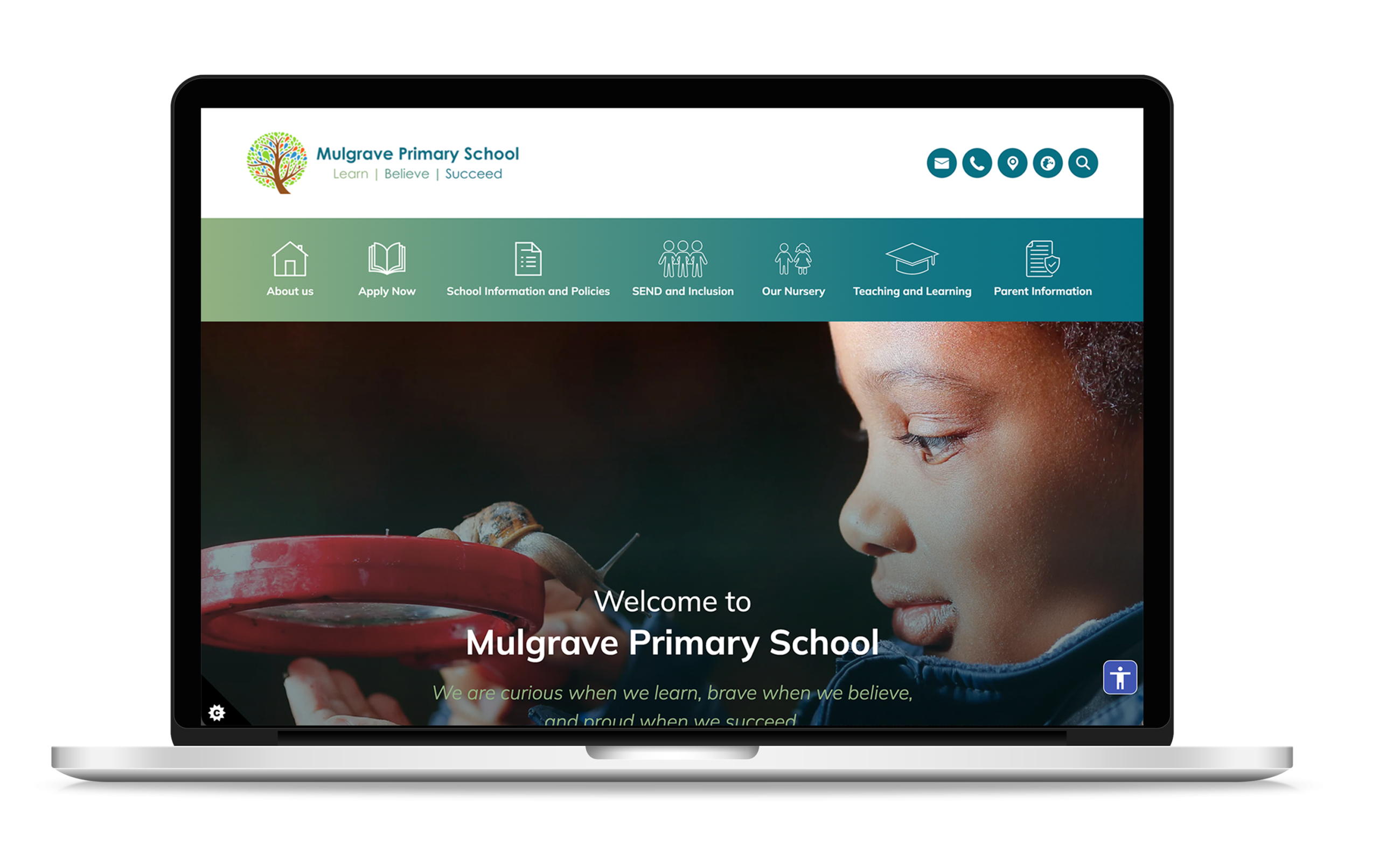
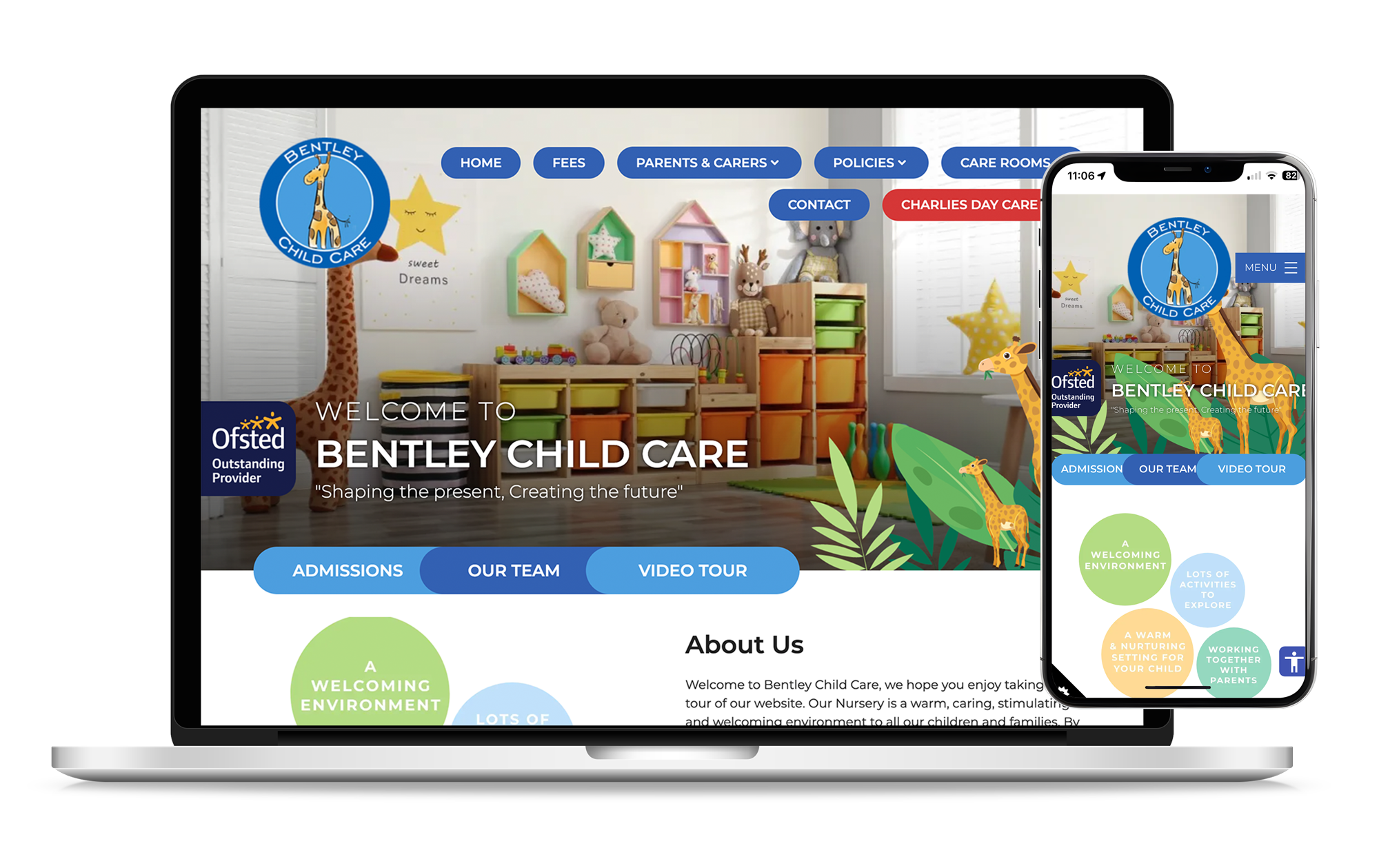
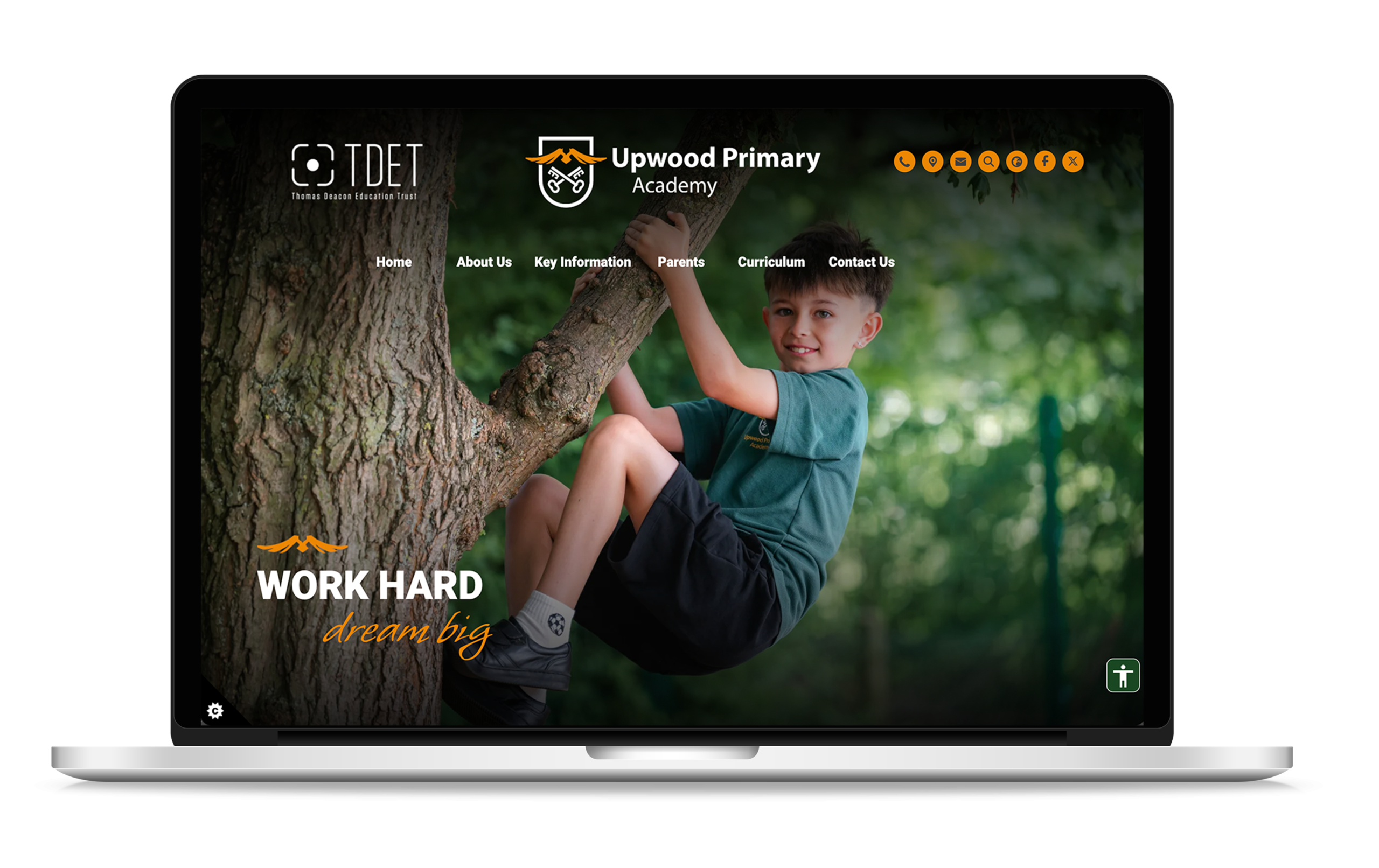
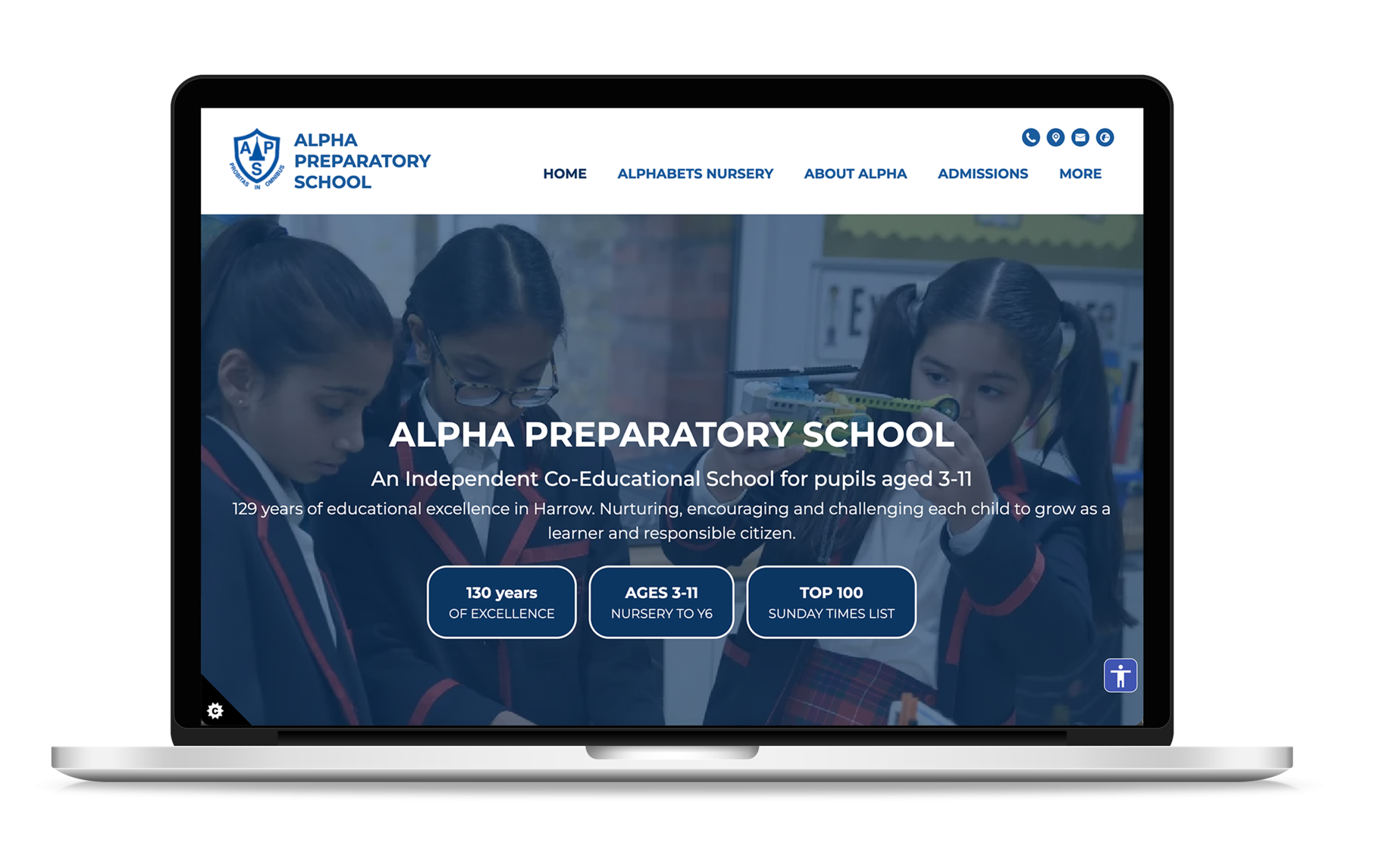
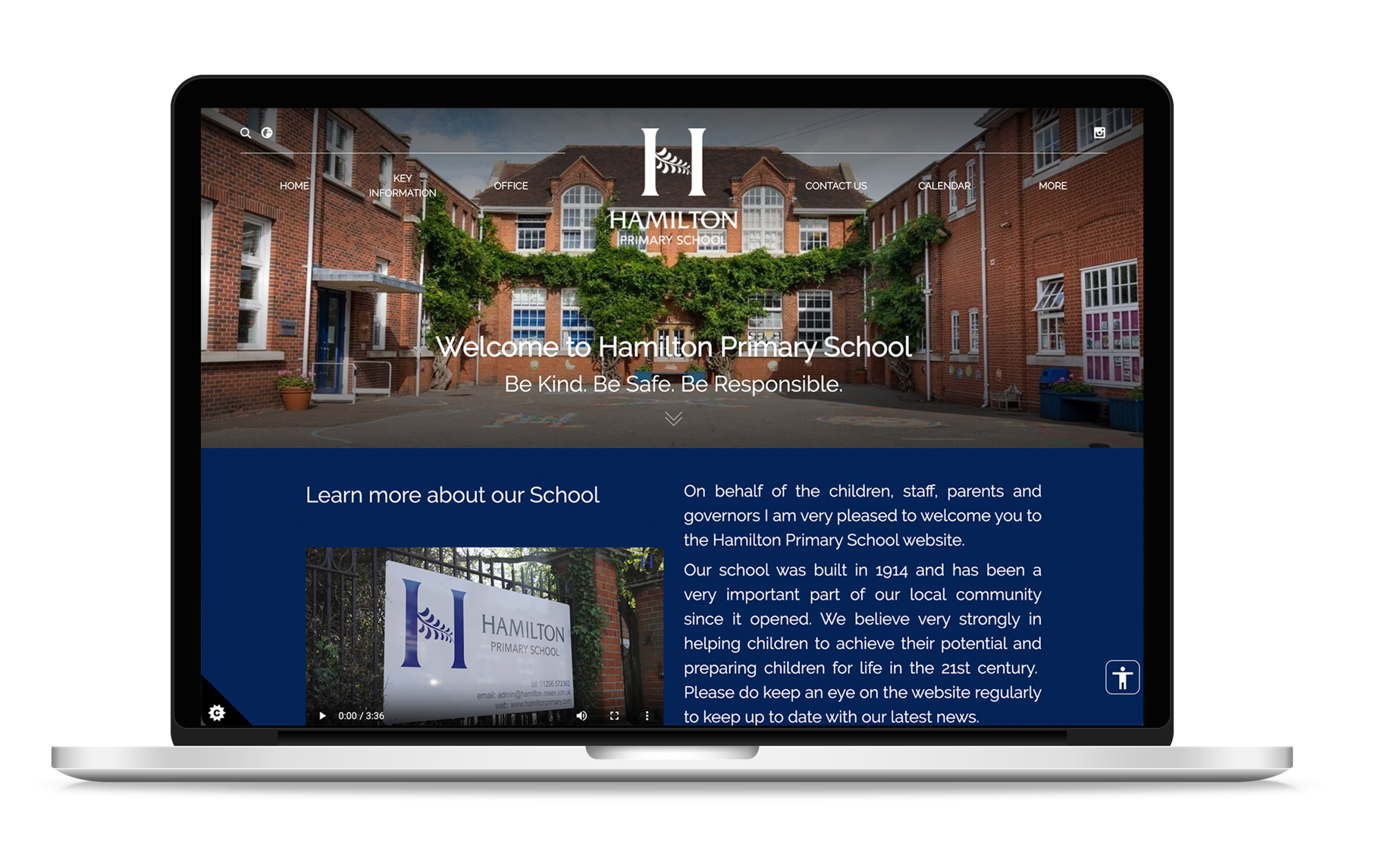
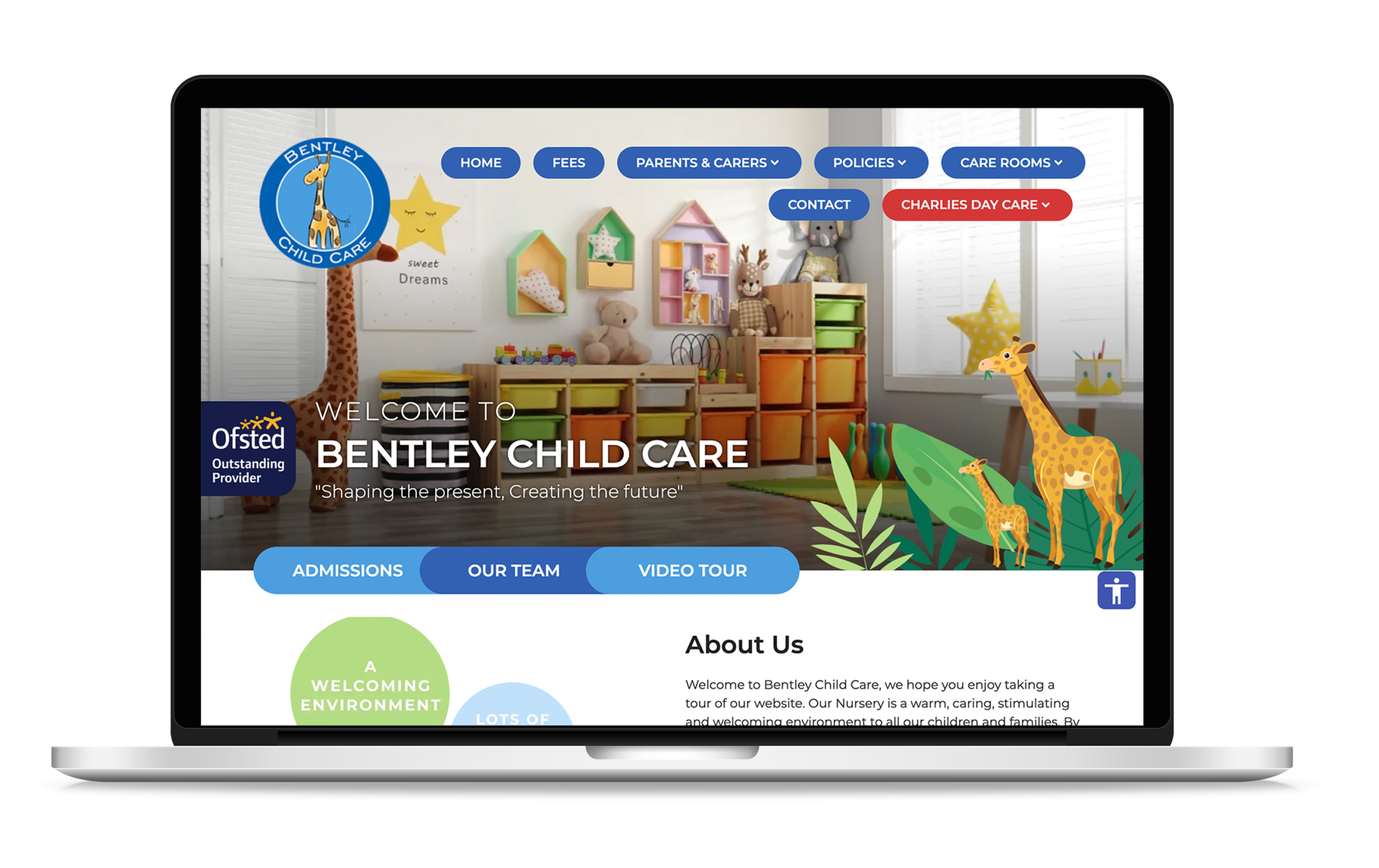
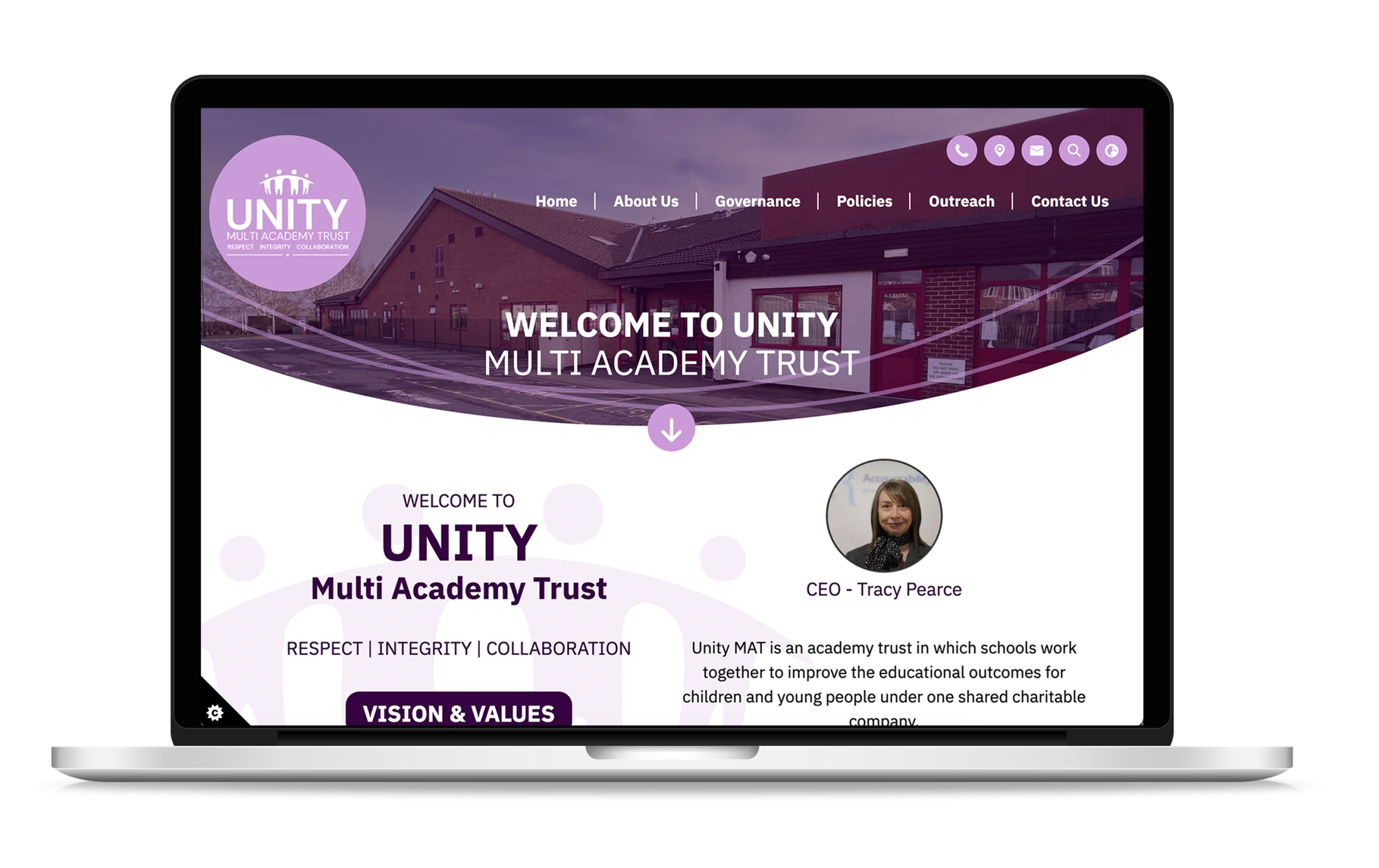
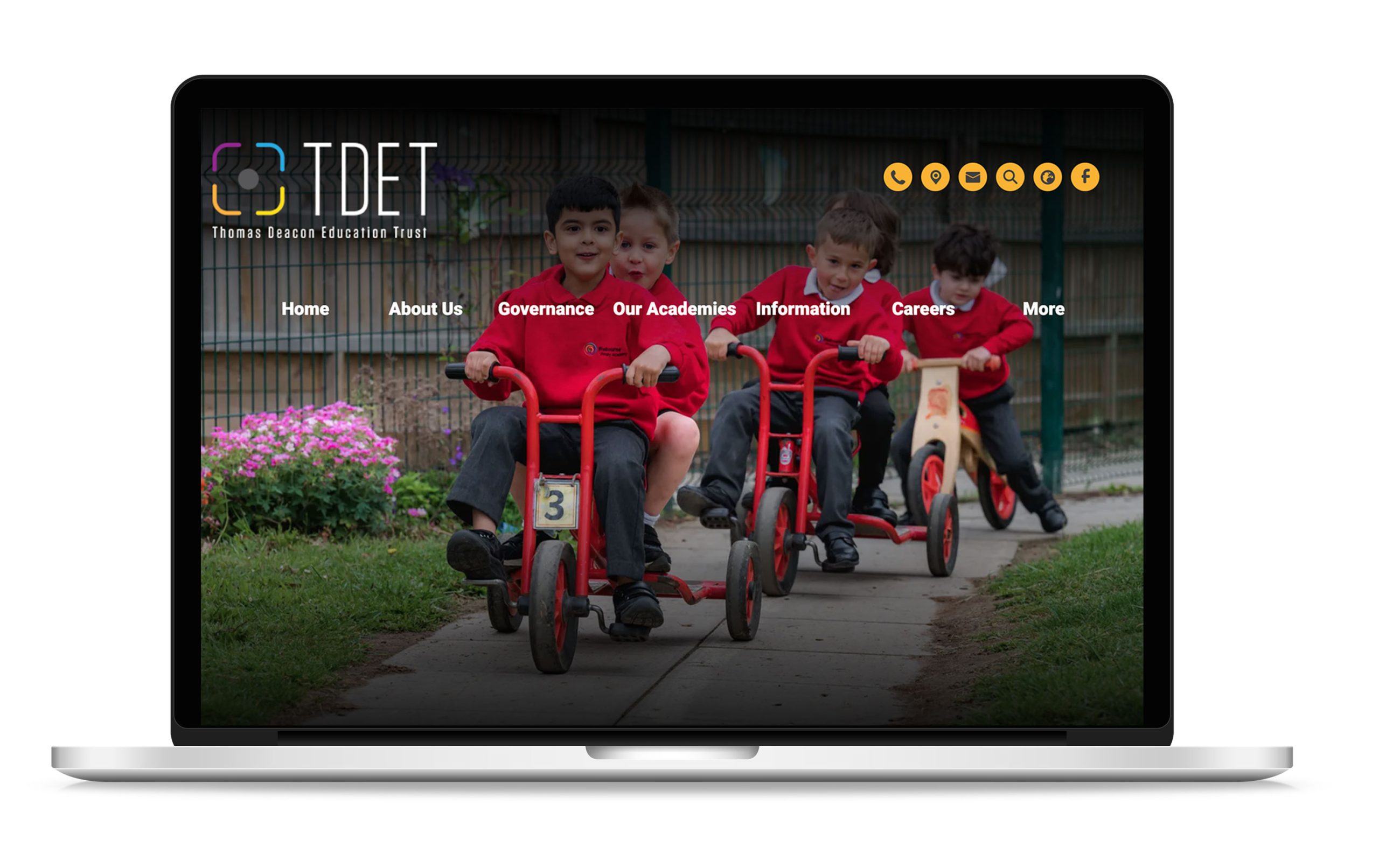
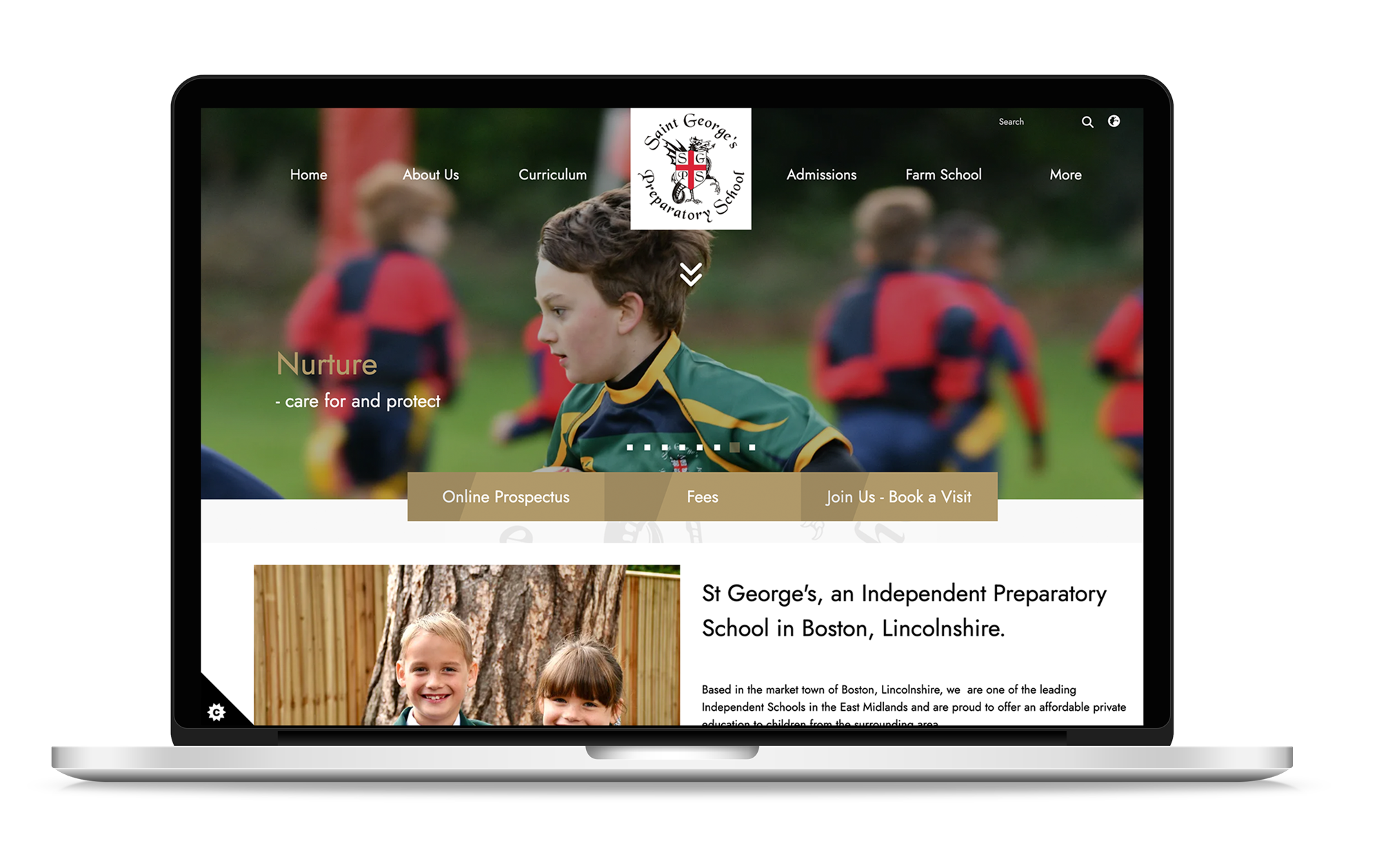
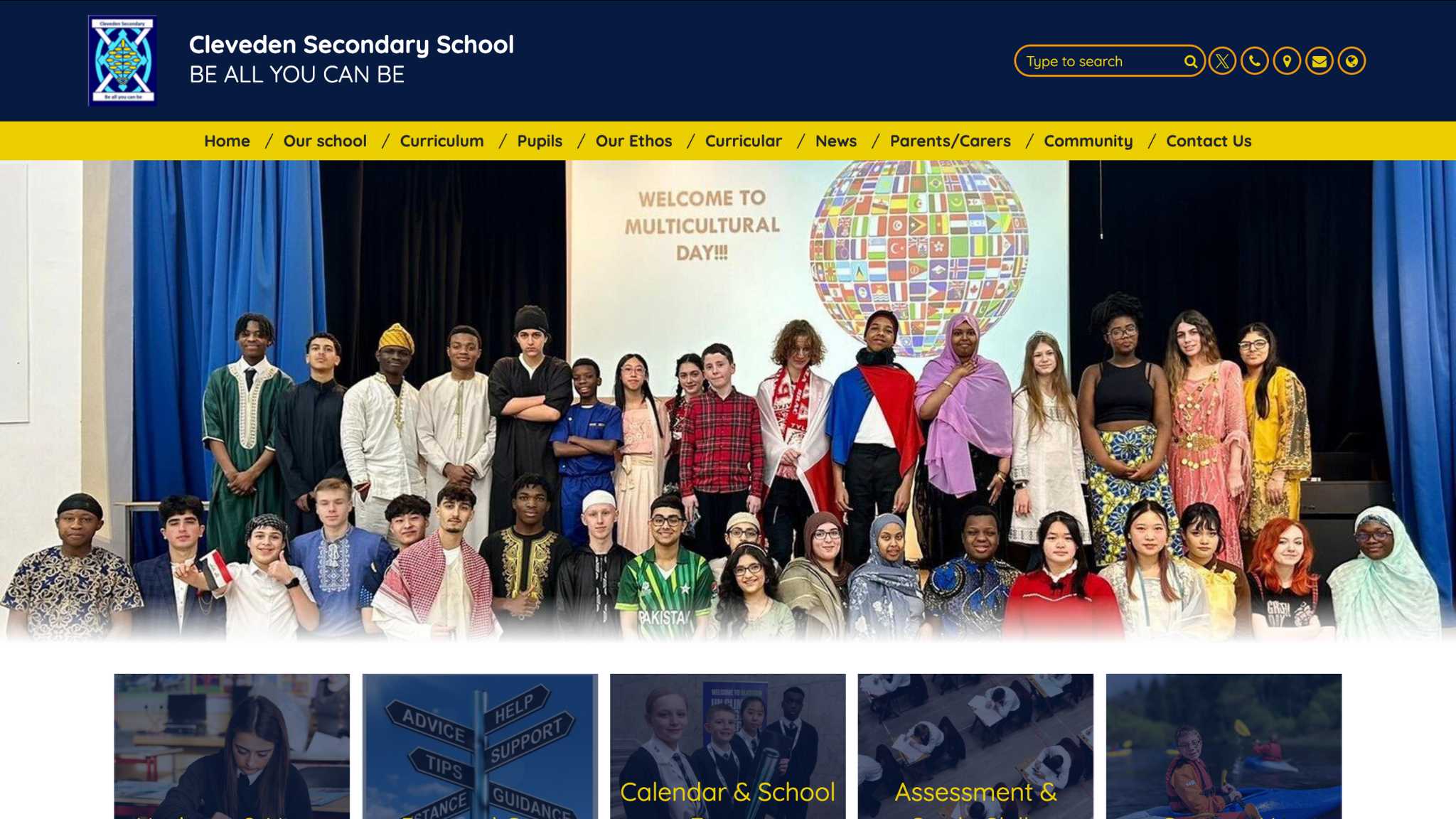
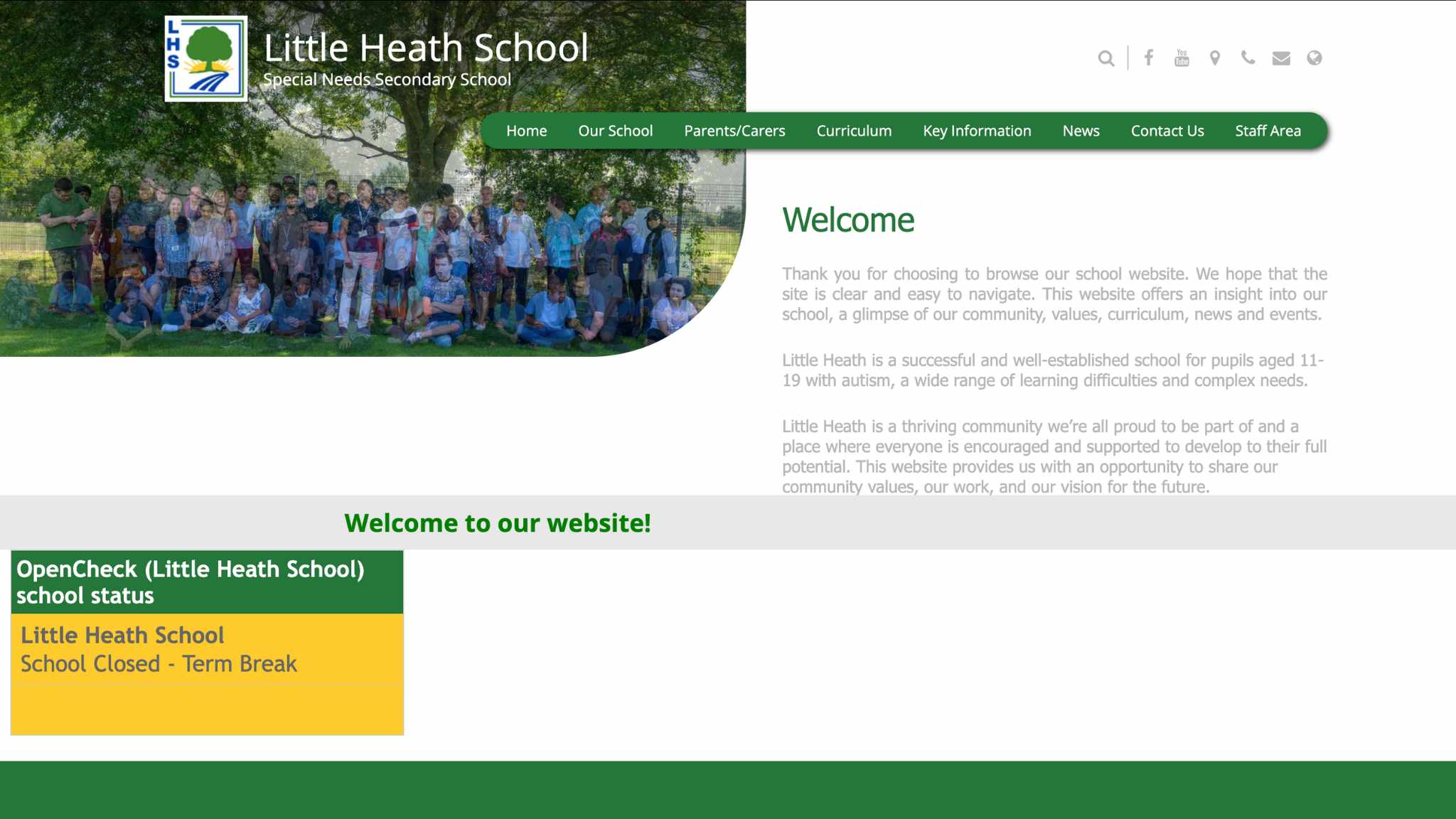
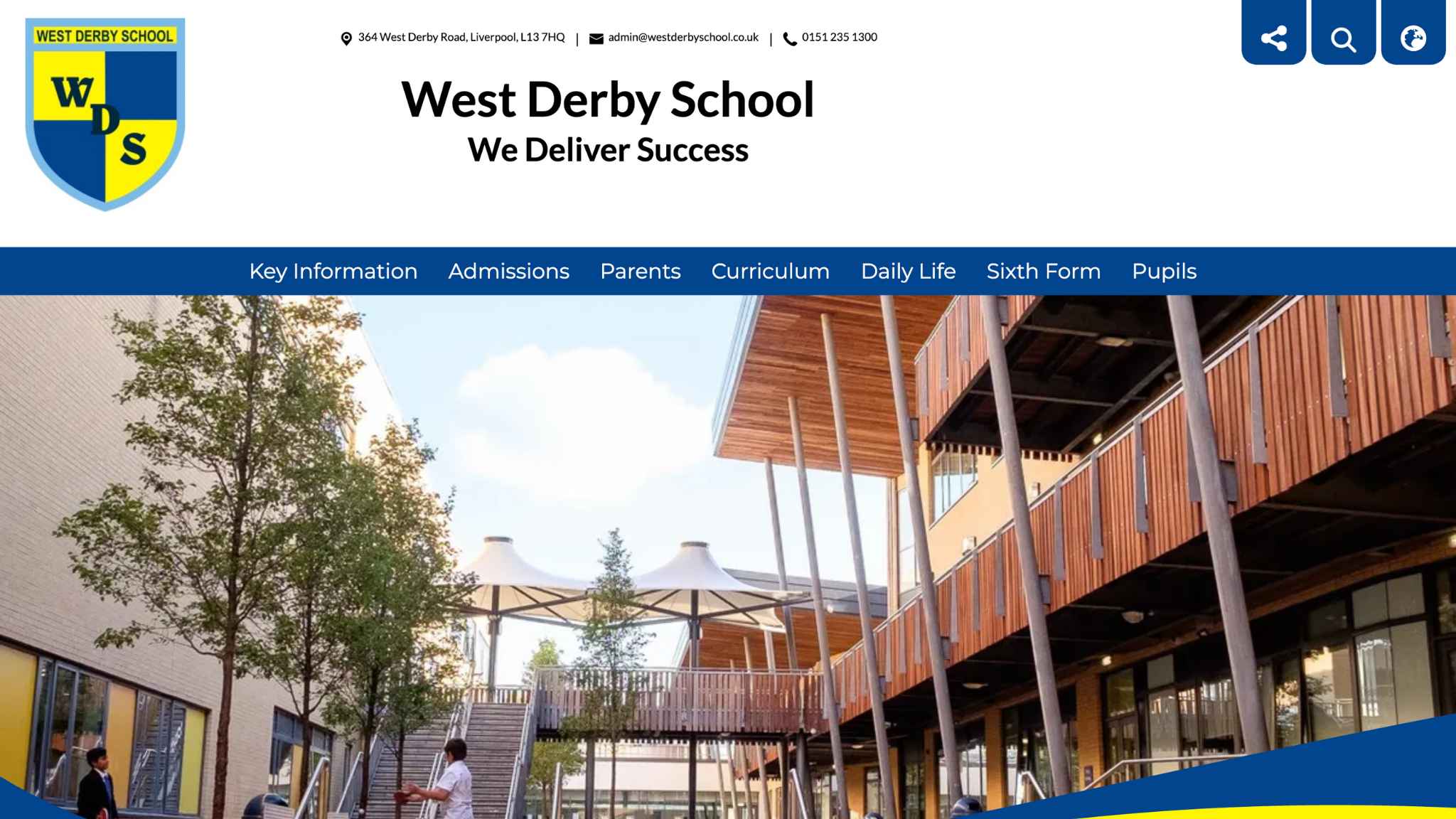
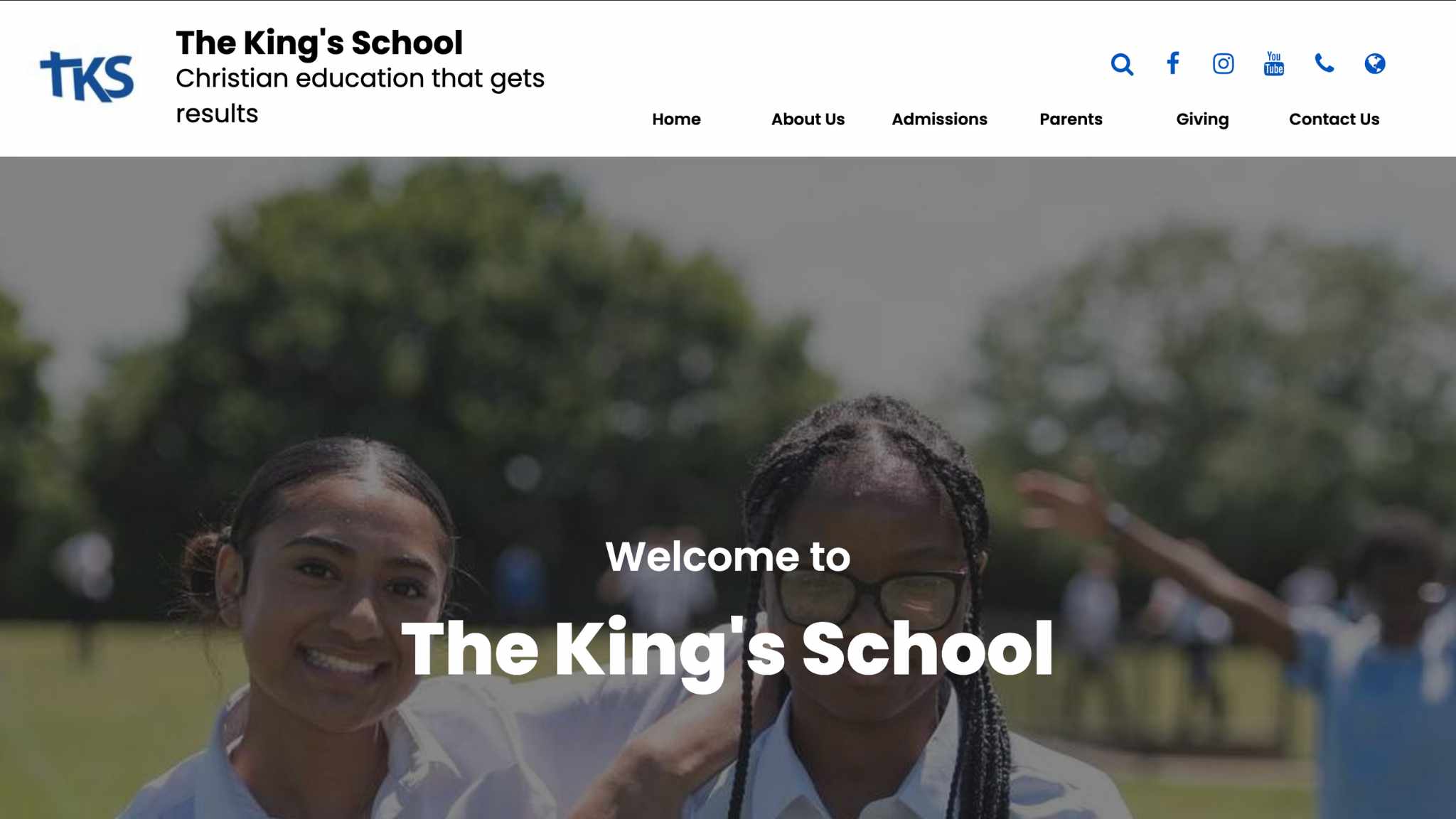
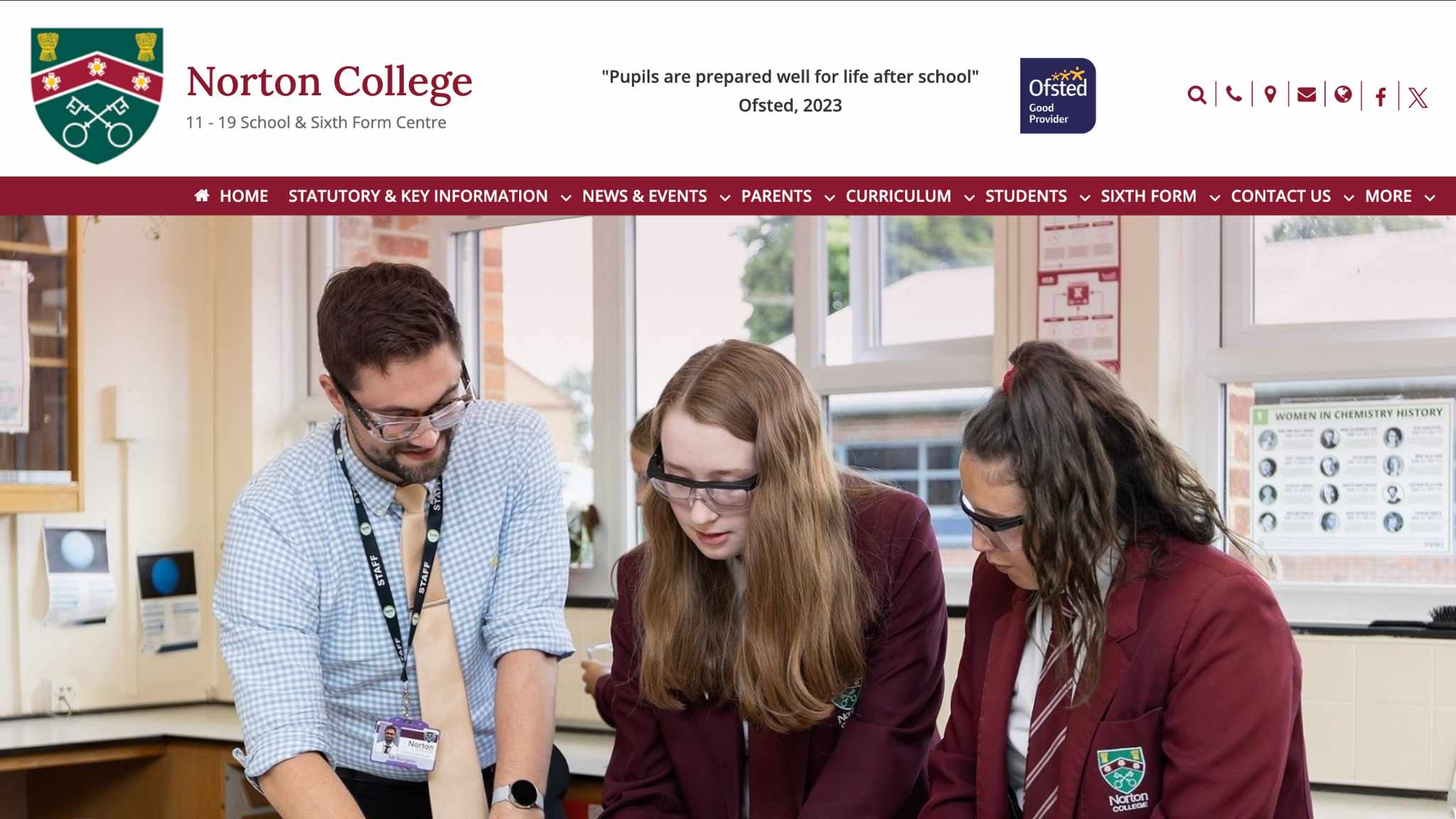
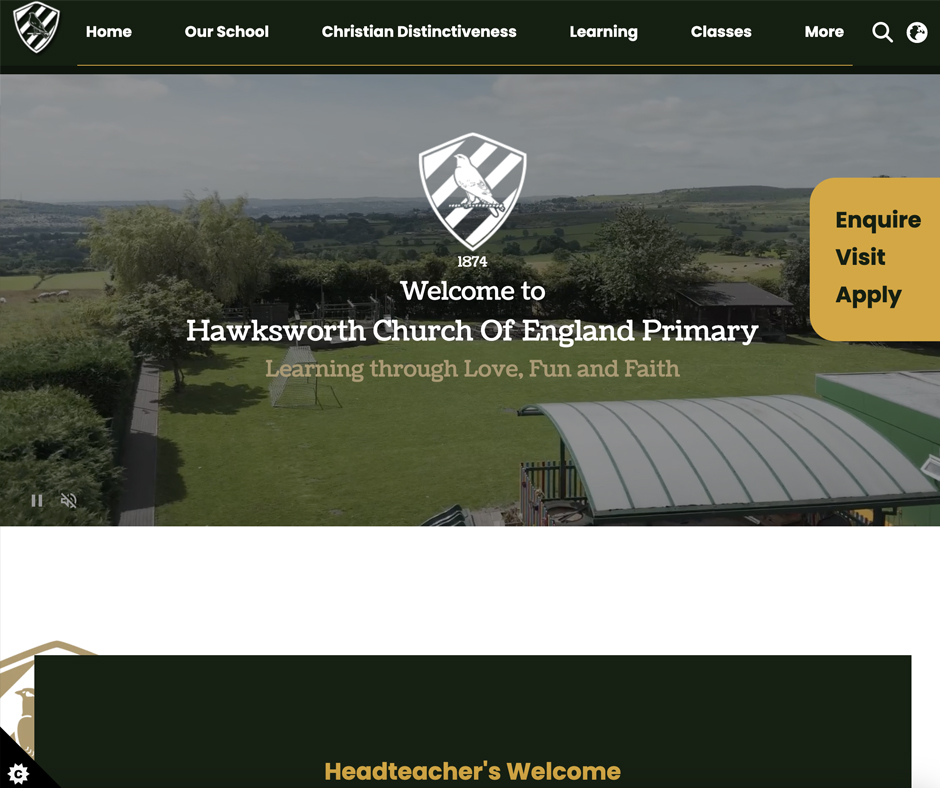
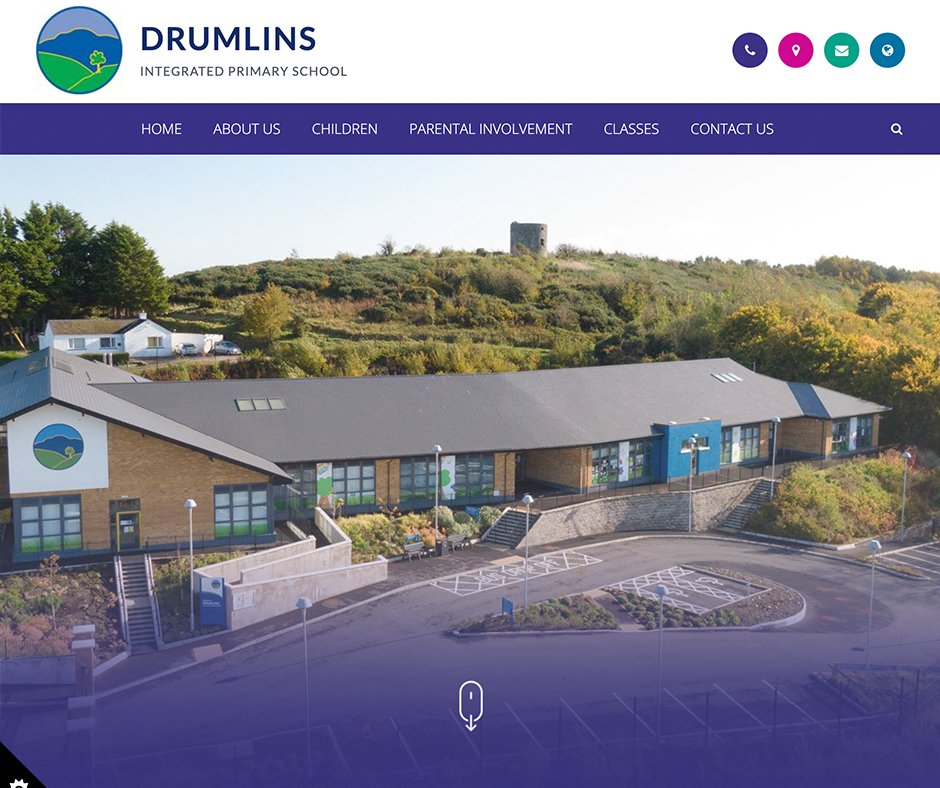
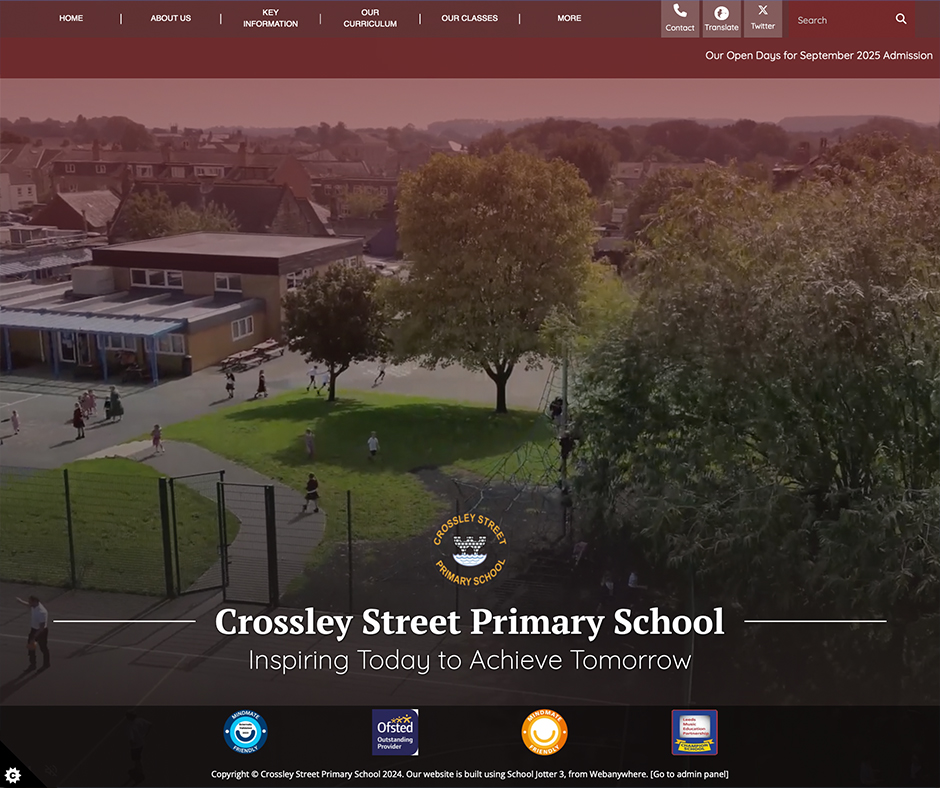
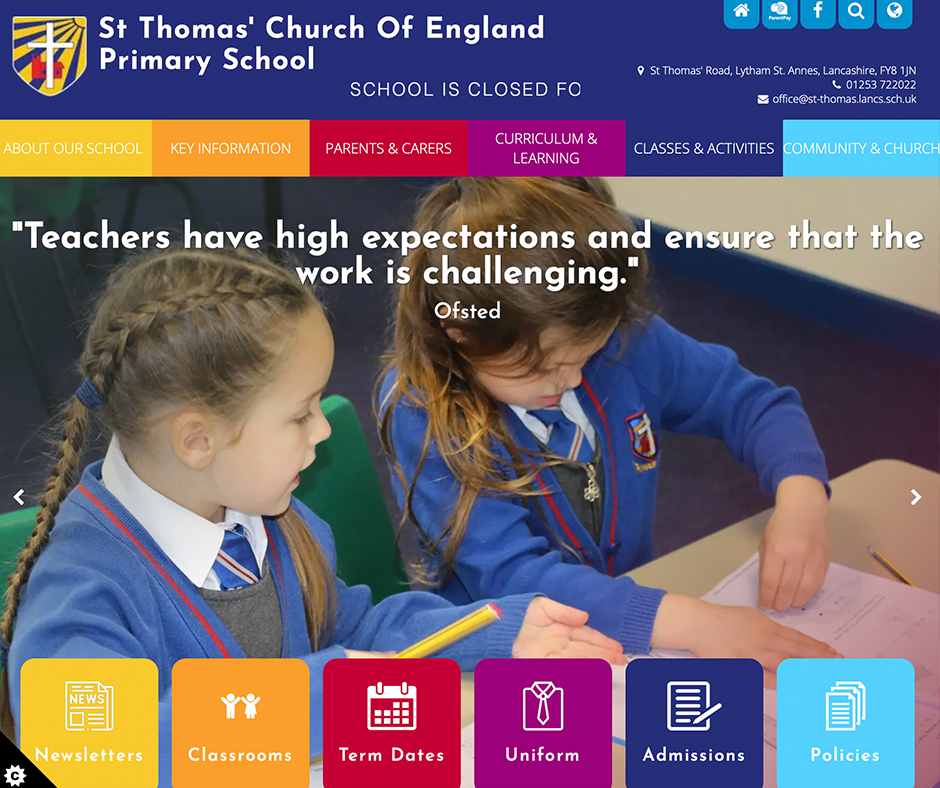
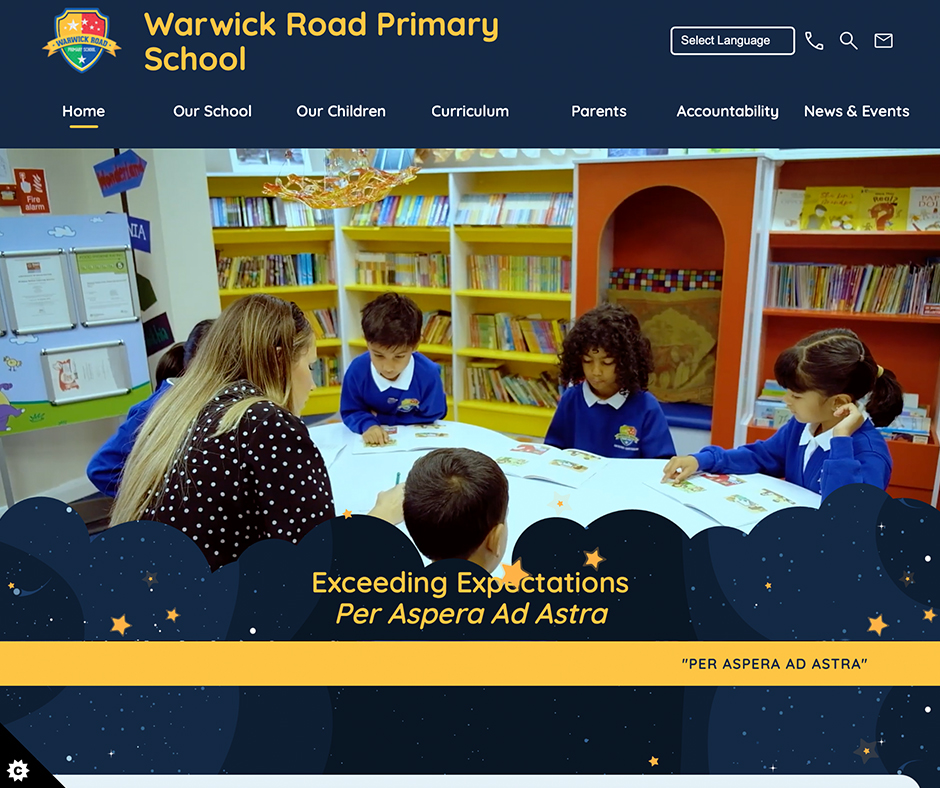
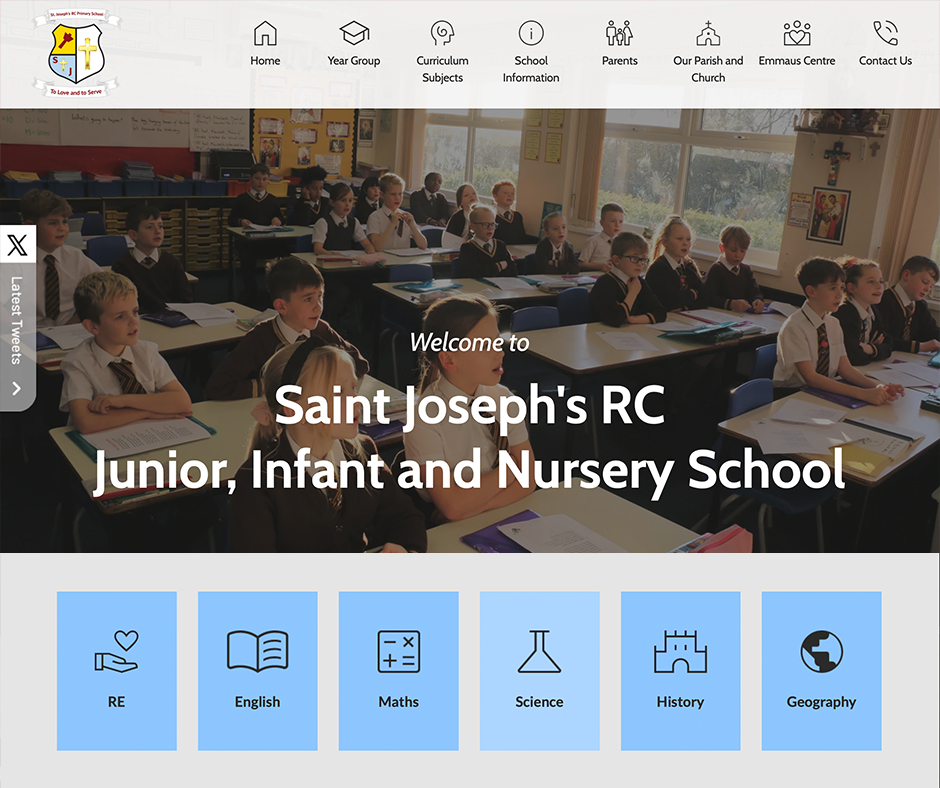
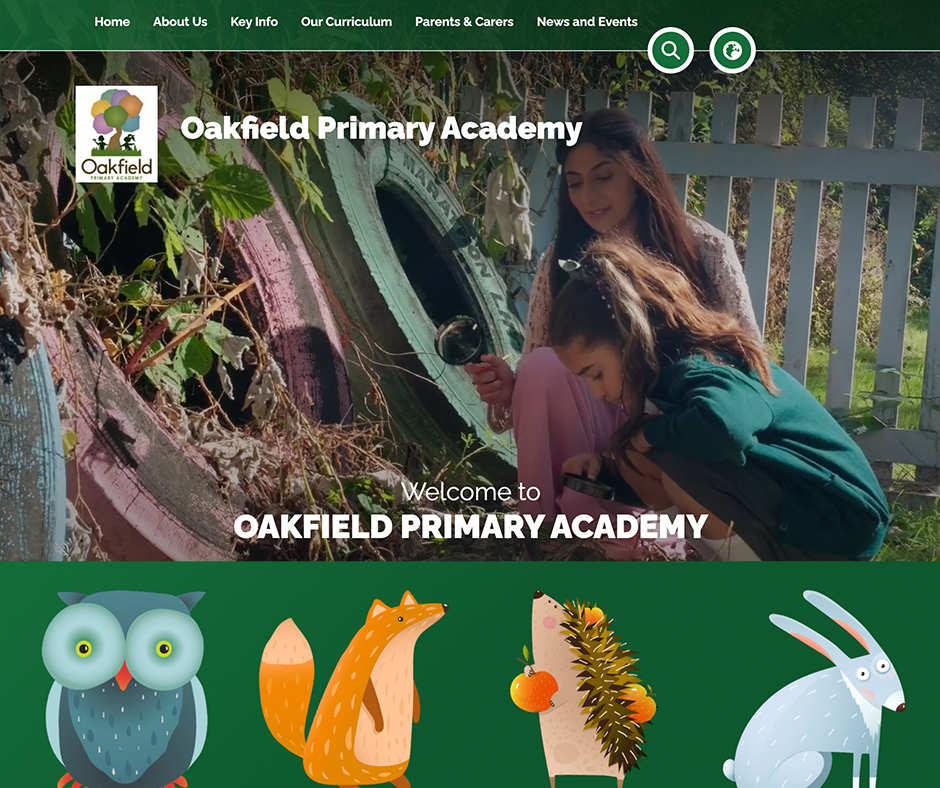
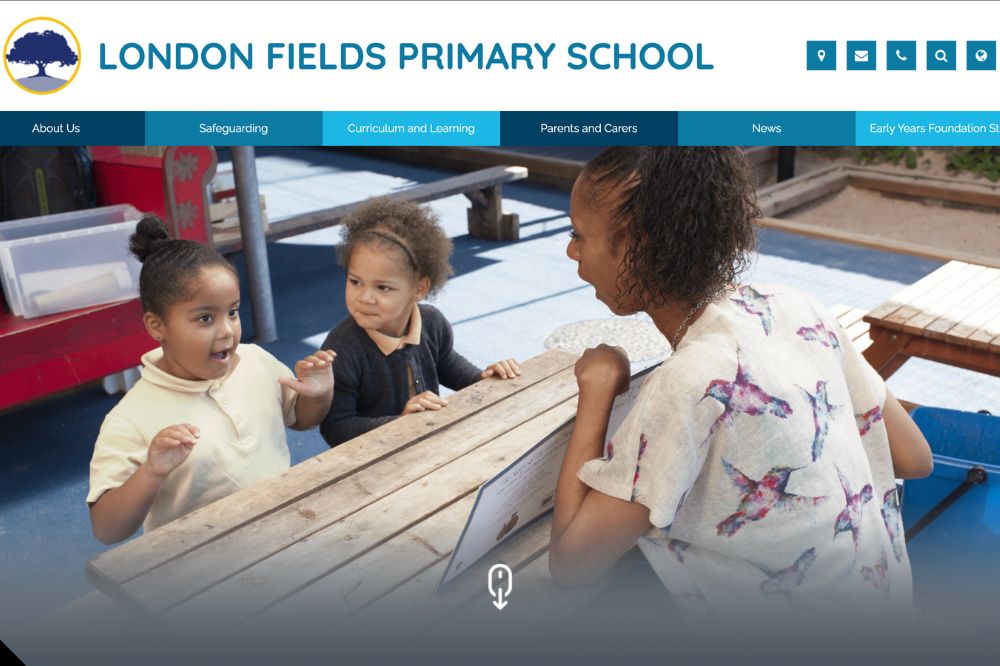
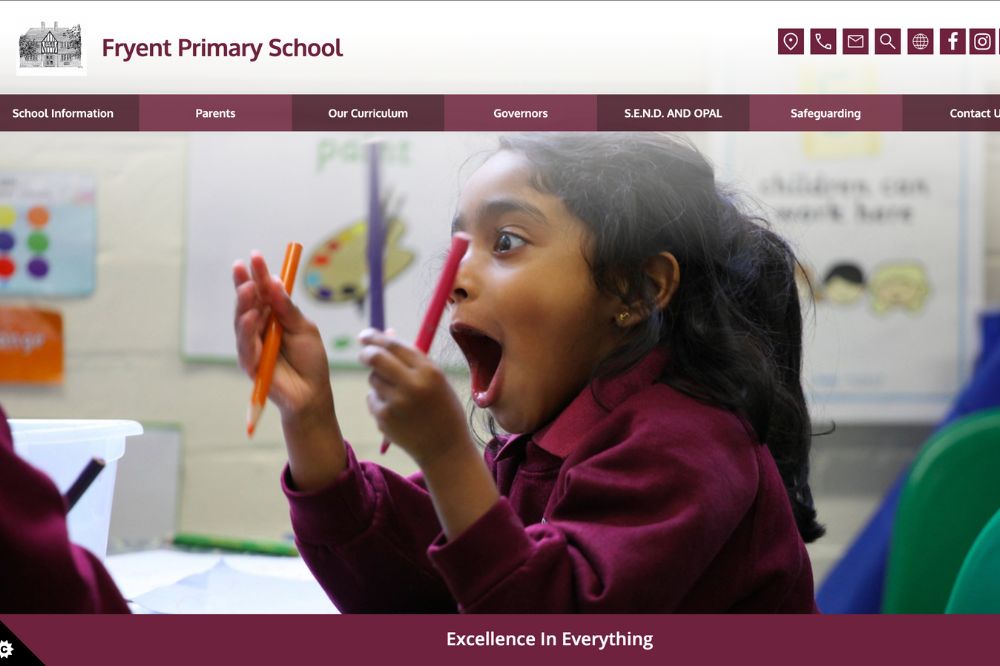
For many parents, your school’s website will be the very first impression they get of you. Therefore, it is essential that the website is designed in the right way, by the right people.
First Impressions and Trust Signals
If you’re promoting an independent school where you want parents to spend their hard-earned cash on sending their students, then make sure the design makes you seem credible. This means a professional design.
Think about what needs to be highlighted on the website too. For us, testimonials are a must. You may also wish to share any awards or accreditations your school may have.
We also think it is essential to include details of the leadership and the teachers. Not only will this be another method for demonstrating why your school may be a good fit, but also adds a touch of ‘human’ to the site. Things seem less sterile.
Ensure Key Information is Easy to Find
This means details on your curriculum, tuition fees, extra curricular activities, and any admission criteria. This information should be no more than a click or two away, since that is the information most parents will want.
Mobile Experience and Accessibility
Your site needs to be accessible on mobile devices. There should also be accessibility options to make your website easier to read for parents. This includes the ability to adjust font sizes, contrast options, etc.
Using SEO and Content to Attract the Right Families
While some parents may have first-hand knowledge of your school, many parents may be finding your school through the search engines. Therefore, investment in search engine optimisation (SEO) is key. This helps to get your school found.
Targeting Local and Intent-Driven Search Queries
This means thinking about what parents may be typing into a search engine when searching for schools like yours. Many of these searches may be local searches e.g. “independent schools in (your town name)”, or “independent school near me”. We suggest optimising your site for keywords that suggest a parent is looking to enrol. Work with an SEO expert on keyword optimisation, and it is essential you get this correct.
Content That Answers Parent Questions
This may mean FAQs about school admissions, the curriculum, and key parts of student life. Blog posts on achievements at the school, guides to the admissions process, recent exam scores, and maybe highlights of some of the extra curricular activities at the school.
Open Day and Admissions Page Optimisation
Many parents will be looking for this information, so make it easy to find. Always ensure that future open days are listed in a prominent place (preferably on the front page), and ensure you tell parents what to do to register for open days. Highlight key information about the school’s admission process.
Improving Enquiry Conversion, Not Just Traffic
Traffic is a good thing for a school, but it is not everything. Traffic needs to convert. These tips should help.
Clear Calls to Action for Different Parent Journeys
Calls to Action tell a parent what to do next. Think about the page a parent is on. For example, if the parent is looking at the Open Day page, then a CTA such as “Book Your Place” works. If the parent is looking at the school curriculum, then “Download Prospectus”. If the parent is near the end of the pipeline i.e. considering sending their child to the school, then “Contact Admissions” works.
Reducing Friction in Enquiry Forms
Enquiry forms make it easy for parents to contact you. However, they only work if they are easy. Don’t request too much information on your enquiry form. Minimal information only. You can request more information later on.
Following Up Enquiries Effectively
When you receive an enquiry, follow up on it. How you follow up will be dependent on the enquiry. Receiving basic information such as fees, curriculums, etc. can work via email. More information about admissions works better on the phone.
Making the Most of Open Days and School Visits
Promoting Open Days Digitally
Always promote Open Days. They should be clearly listed on your website. You may also want to promote them via social media and email lists. Make sure you tell parents how to sign up for open days.
Creating a Strong On-Site Experience
Always put your best foot forward with tours and presentations. Ensure your best teachers and students are leading the tours. Provide ample opportunity for the parents to see the best of your school facilities. Make sure you spend a lot of time highlighting your USP.
Measuring What’s Working (and What Isn’t)
Independent schools should always be tracking stats. Keep a log of website traffic. Note how much of this turns into an enquiry. Log which of these enquiries turn into admissions. If you can, you might also want to talk to parents to find out why they have chosen your school.
Over time, you will start to see what works well for your school and what doesn’t. This will allow you to adjust your campaigns.
How Independent Schools Can Increase Pupil Admissions
Yes. Independent schools are finding it harder to attract new admissions, but this can work in your favour. You have a lot of competition, but this also provides you with the motivation you need to really highlight what your school offers over everybody else. Continue to adapt your strategy, and you will increase your school’s admissions.
Get in touch with us to learn about how we can help with marketing and website design.